Fresh from your kitchen
What would you like to make today?
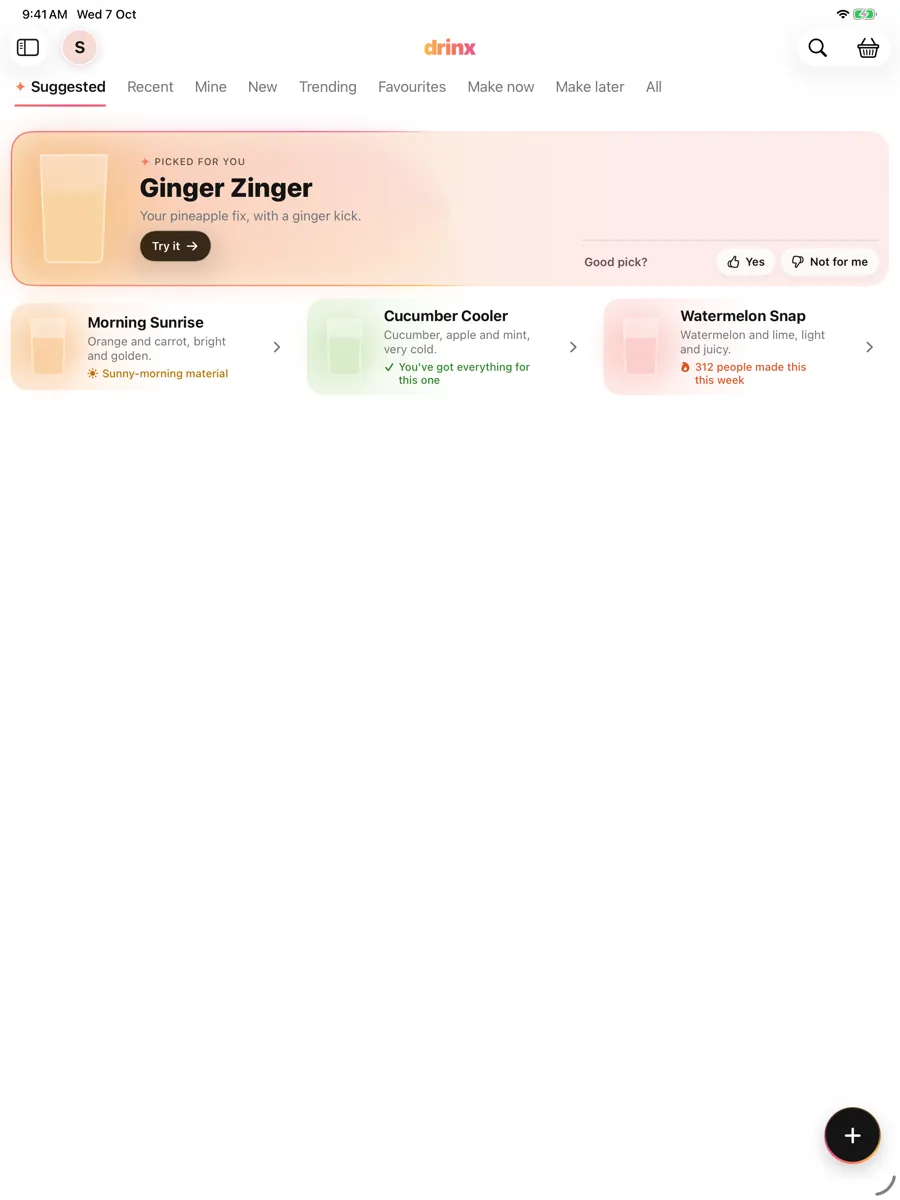
Juices, smoothies, mocktails and cocktails, picked for your taste. Buy only what you’re missing, see what you can already make, and send the drinks you love to friends.
Made for your taste
Tell it what you love.
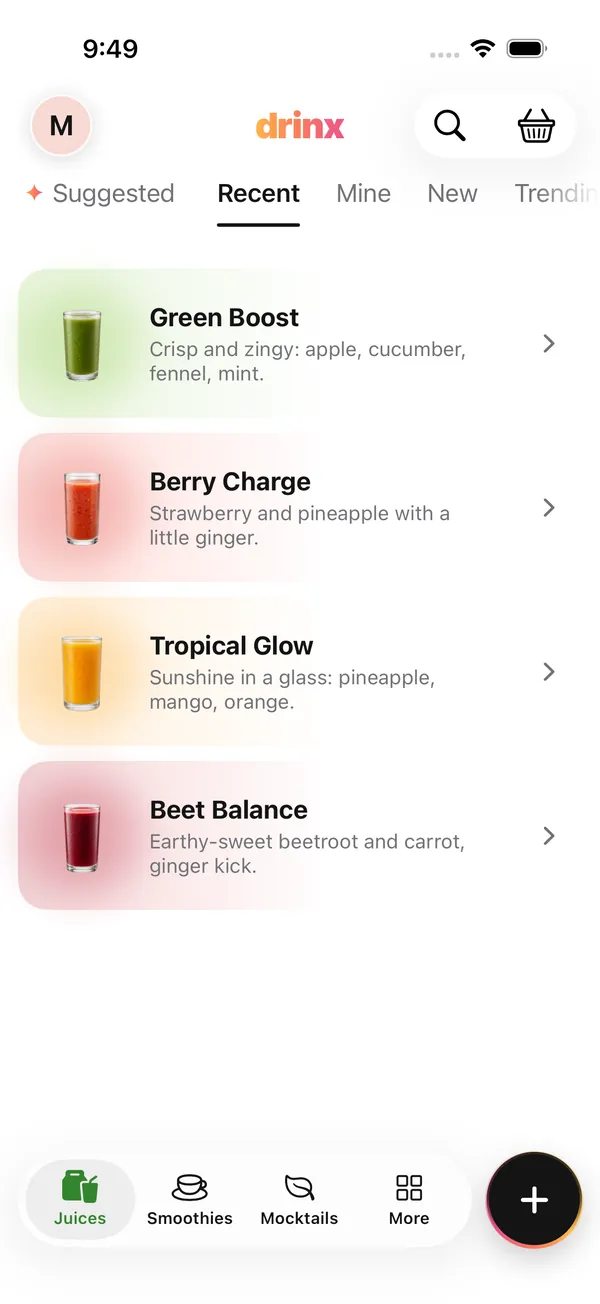
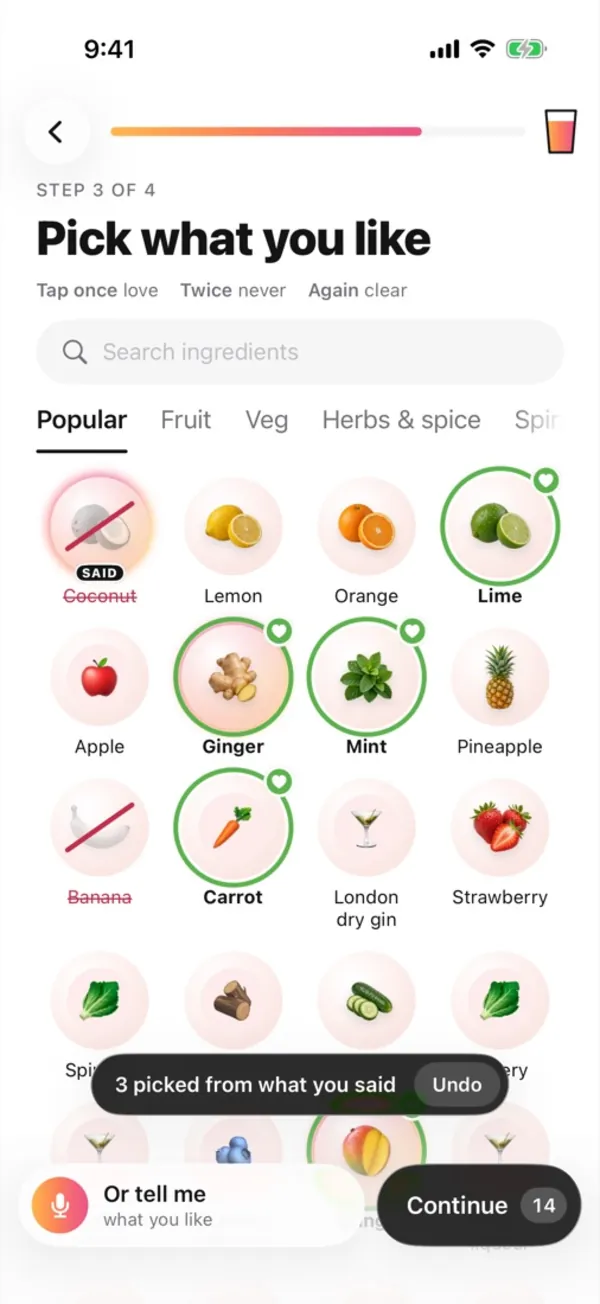
Tap the ingredients you like, or just say it. Drinx lights up what it heard, and Suggested picks drinks for you, each with a reason.
- Tap once for love, twice for never.
- Say “a good whisky sour, lots of ginger, never coconut” and the grid fills itself in.
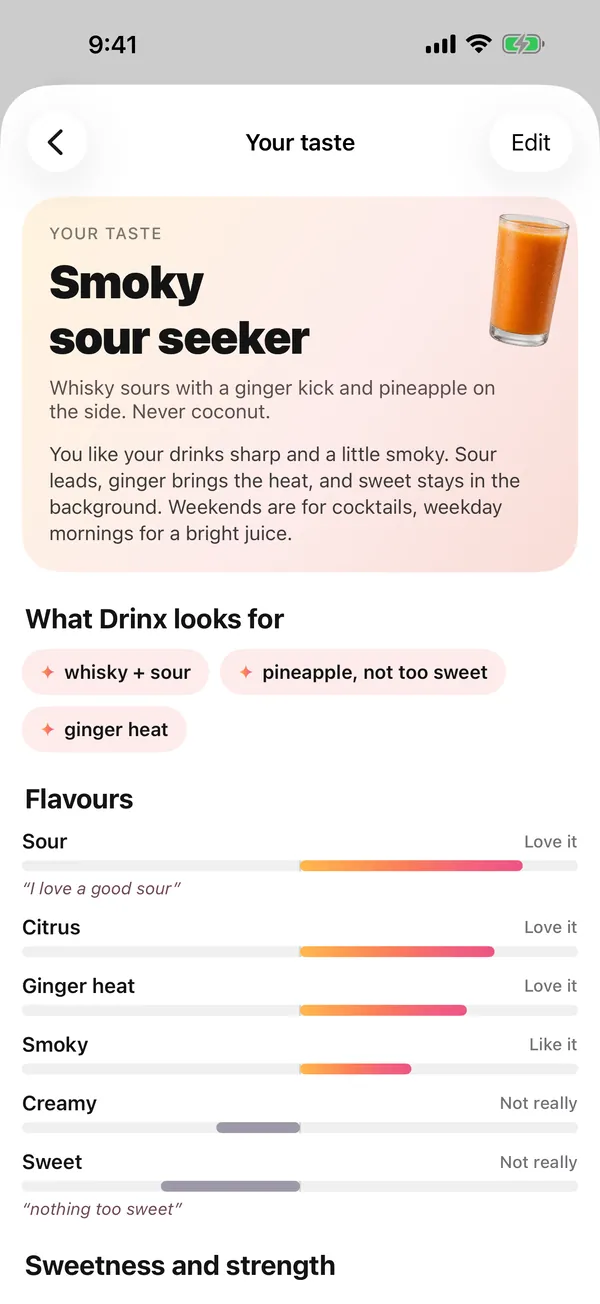
- Your taste shows what Drinx learned, and you can change it any time.
Shopping list
Buy only what you’re missing.
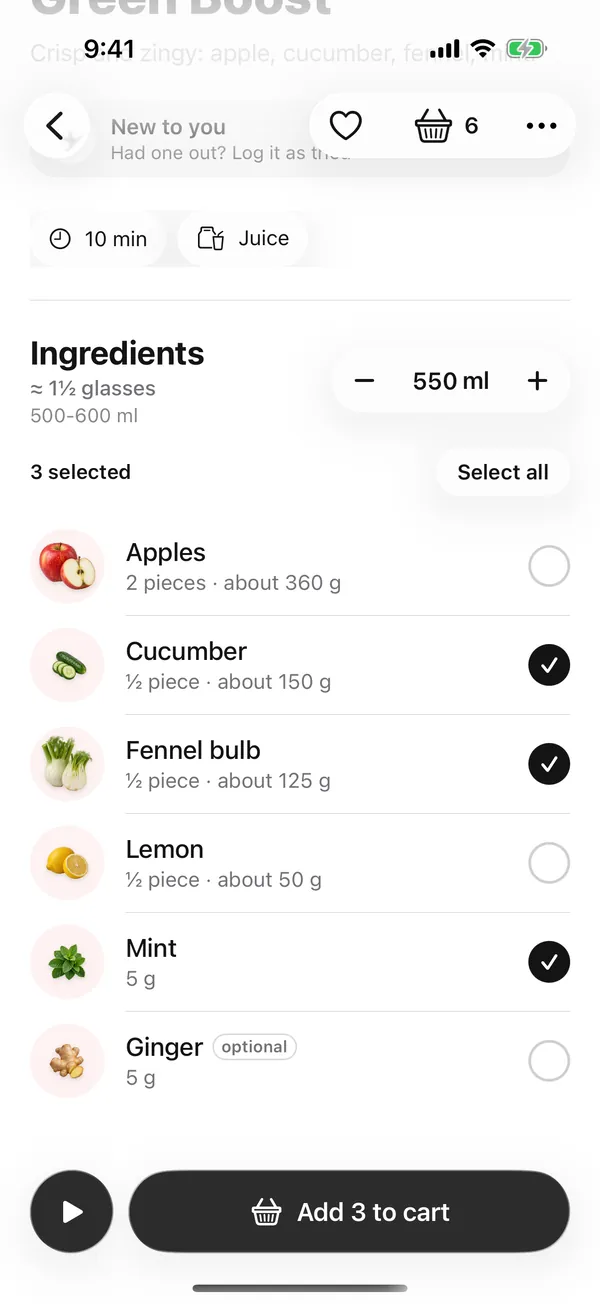
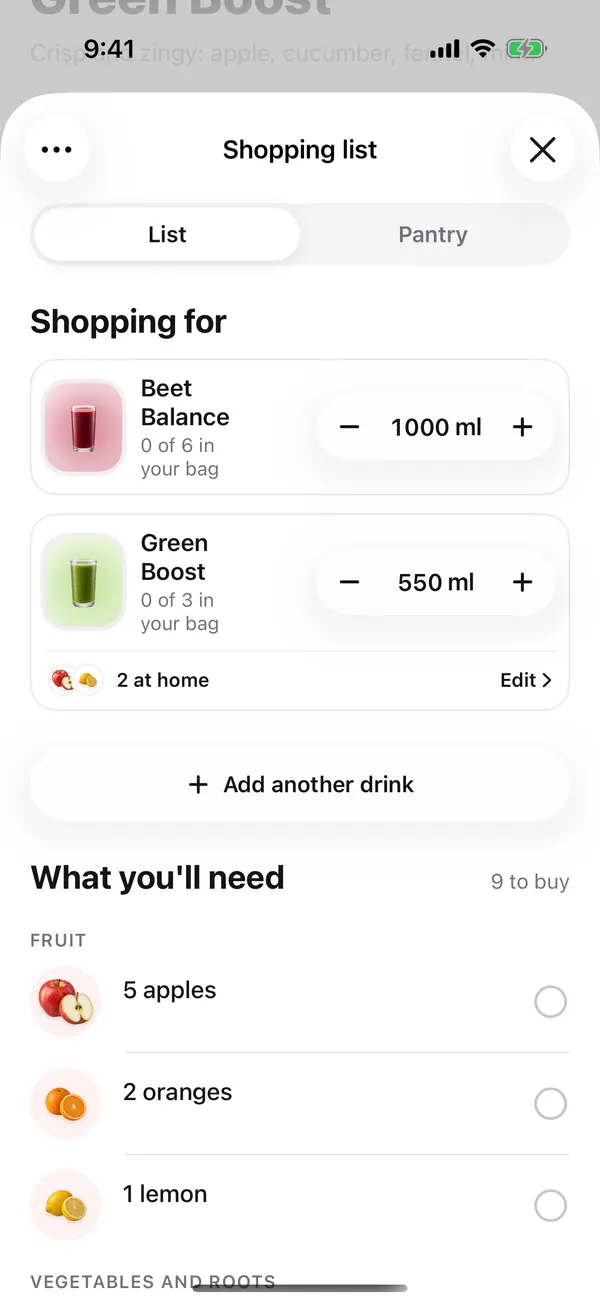
Pick just the ingredients you need from a recipe and add them in one tap. The list adds everything up across your drinks and groups it by aisle.
- Have the apples already? Leave them out and add the rest.
- Complete lists, with the ice, syrups and bottles too.
- Tick things off in the shop. What’s at home is counted.
Pantry
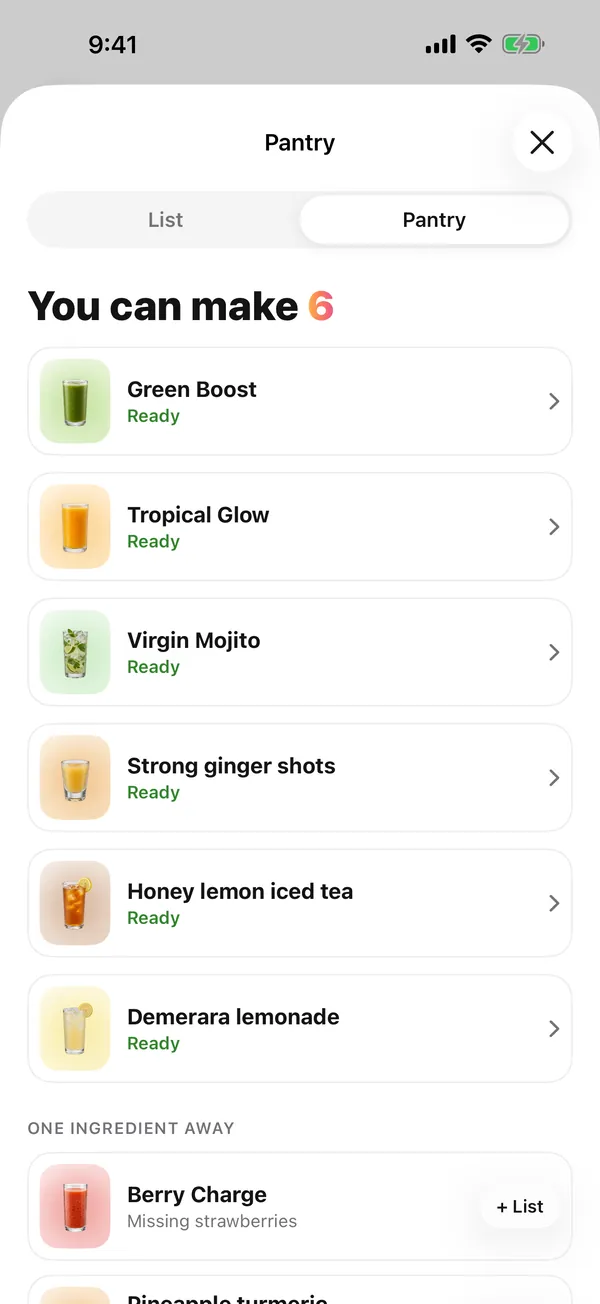
You can make 6.
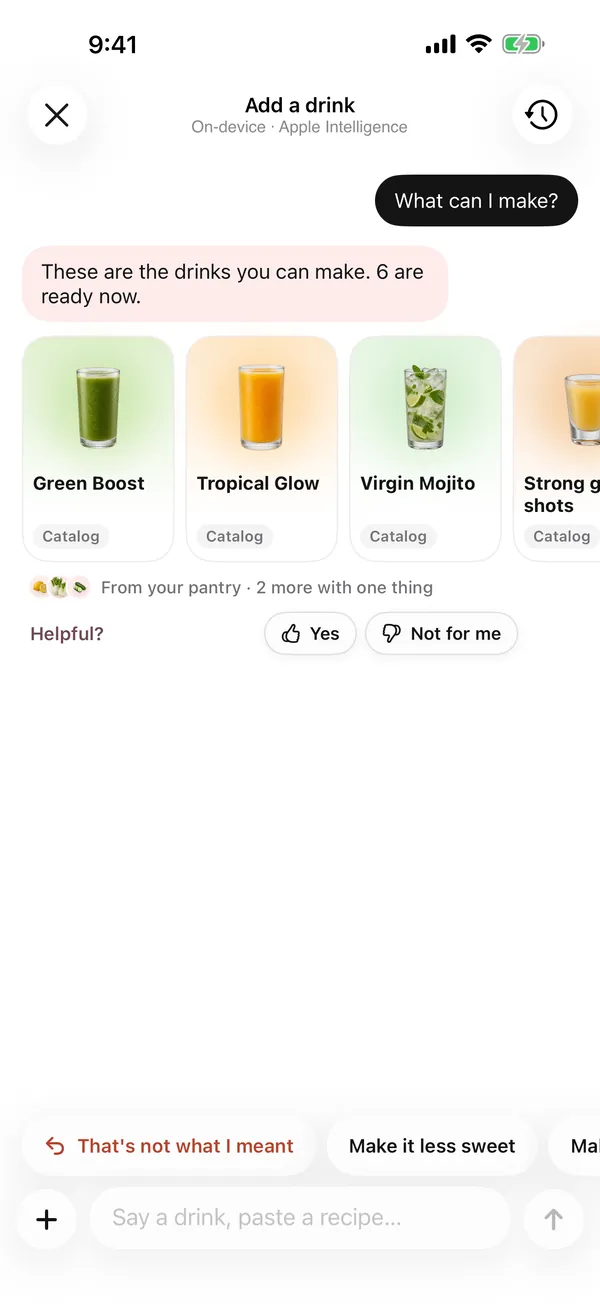
What you bought moves to your pantry. Drinx shows what’s ready to make, what’s one ingredient away, and answers “What can I make?” right in the chat.
- Ready drinks first, then the ones you’re one bottle away from.
- Making a drink uses up what it needs.
Recipes
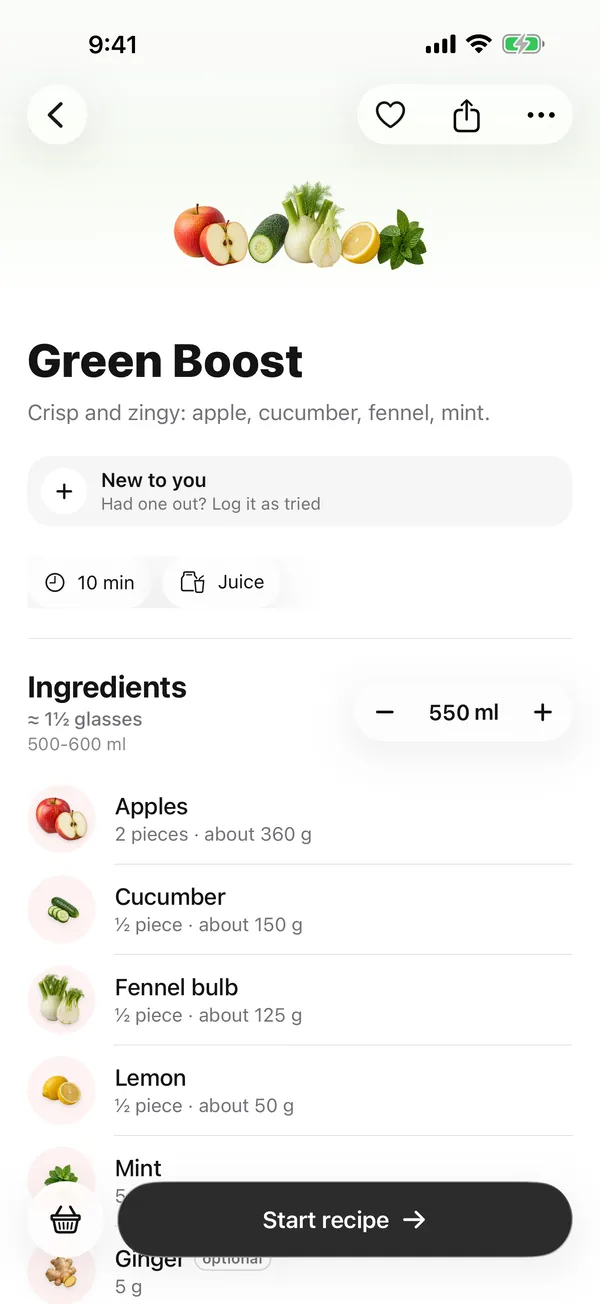
Exact amounts, from one glass to a jug.
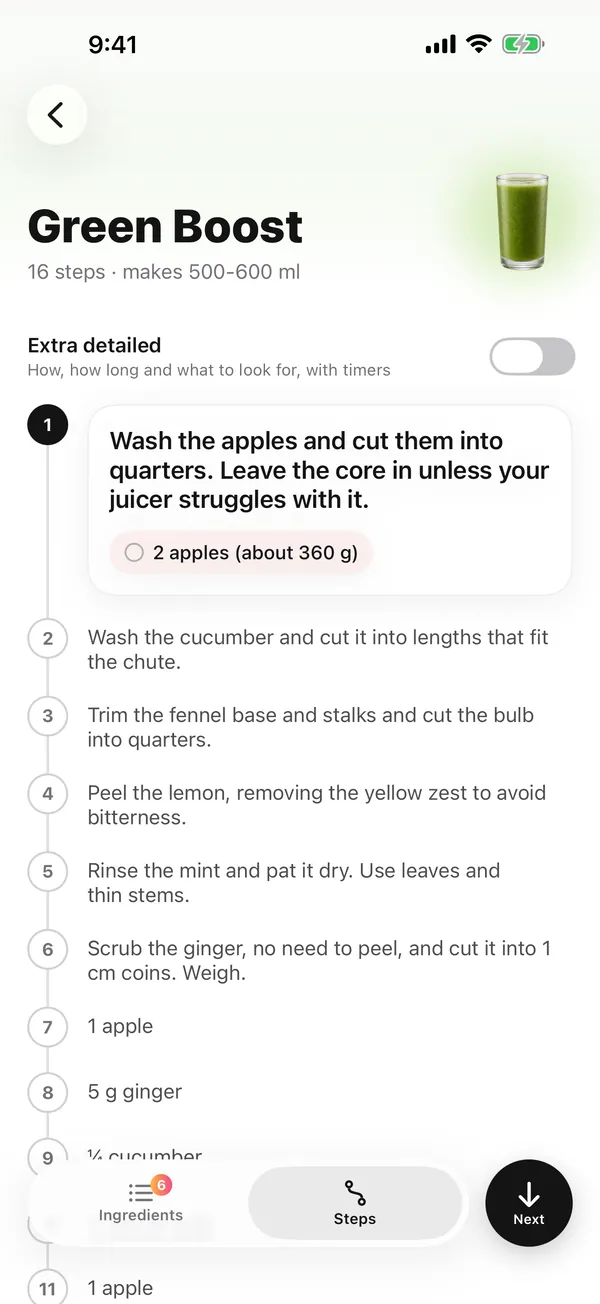
Every recipe scales to the millilitre. Make it walks you through each step with its amount, in the order you juice, blend or shake.
- Add any drink: say it, snap a menu or paste a recipe.
- On a busy menu, circle the one you want.
Friends
Better with friends.
Follow people and see what they make. Send a drink to a friend, or share a link anyone can open, even without the app.

-
Send a drink
Send a drink straight to a friend, once you follow each other. Only drinks travel, no messages.
-
Links that look good
A shared drink gets its own page with the picture, ingredients and amounts. In a chat, the preview shows the drink.
-
Follow people
See what your friends make, and what’s trending this week across Drinx.
Categories and search
Every category, one tap away.
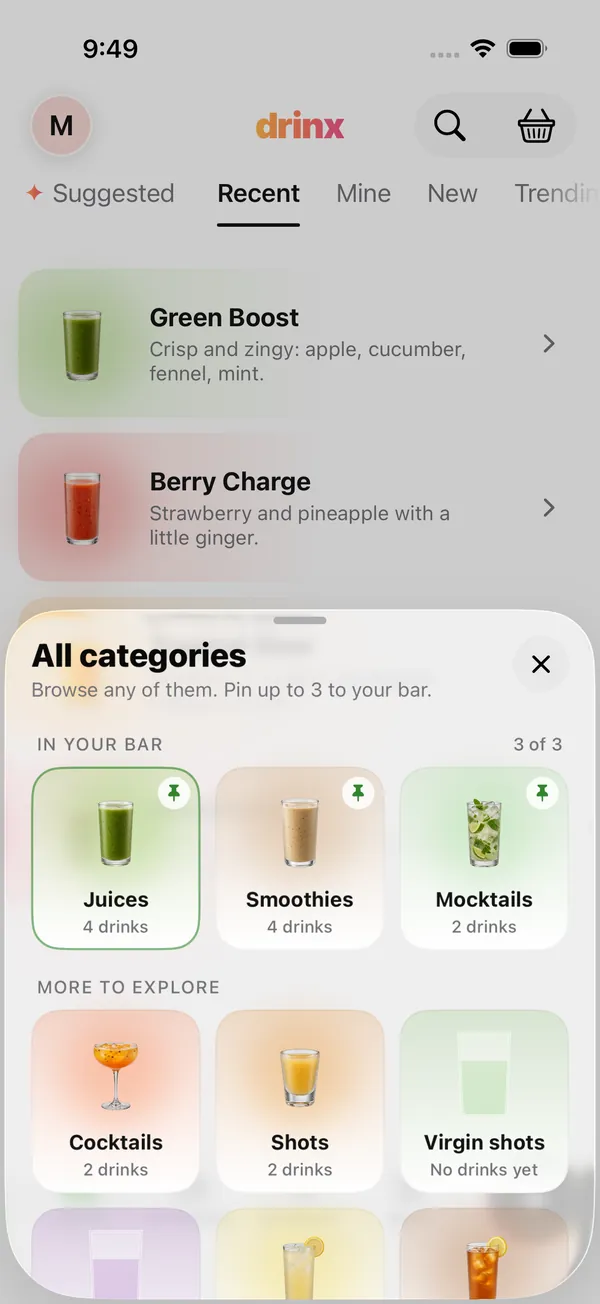
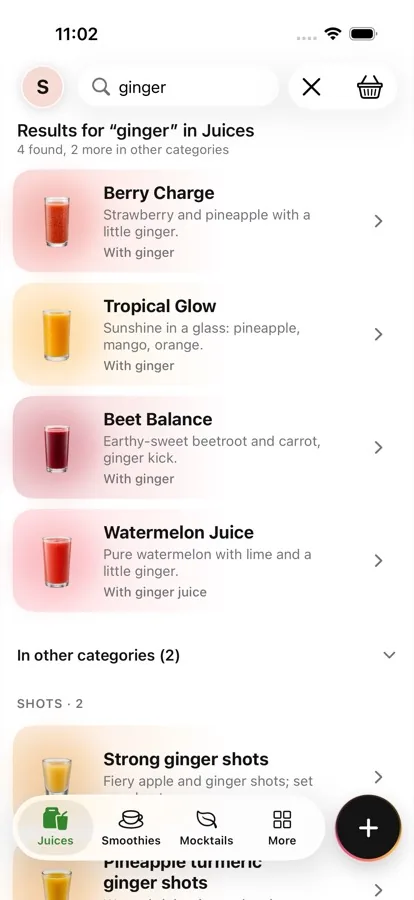
Pin your three favourite categories to the bar. Shots, syrups, lemonades and iced teas wait under More. Search stays in the category you’re in and shows matches from the others too.
- Visit a category from More, and pin it if you like it.
- Search “ginger” and see every drink with it, this category first.
And there’s more
Small things that make it feel right.
-
Fast
Picks are ready when you open the app, and Home scrolls smoothly.
-
iPhone and iPad, in sync
Tick something off on your iPhone and it’s ticked on your iPad too.
-
What’s new
After an update, one short sheet shows what changed and lets you try it. It shows once.
-
Say it, snap it, paste it
Hold to talk, take a photo of a menu, or paste a recipe from anywhere. It becomes a drink you can make.
-
Made by everyone
See what people make most this week, and remix any shared drink into your own.
-
Your data, your call
Turn analytics off, or delete your account and data from Profile at any time. How we handle your data.
Be first to pour.
Drinx is coming to iPhone and iPad. Leave your email and we’ll let you know the day it’s out.
Support
We can help.
Found a bug, have a question or want to share an idea? Send a note, or use Profile → Send feedback in the app, which opens an email draft in your mail app.
Email supportDelete your app data
Open Profile → Privacy and data in the app and tap “Delete account and data” to remove your account, synced data, taste profile, Community profile and this device’s copy. Need help? Email humans@thedrinxapp.com.
When you write to us
Tell us what happened and which iPhone or iPad and which iOS version you use. Please don’t send passwords or private photos.